 MJ Kids
How to tell if a game is safe for your child: a 5-minute checklist
Before you hand over the phone, play the game yourself for 5 minutes. This checklist shows what to look for: age rating, ads, purchases, chat and time controls.
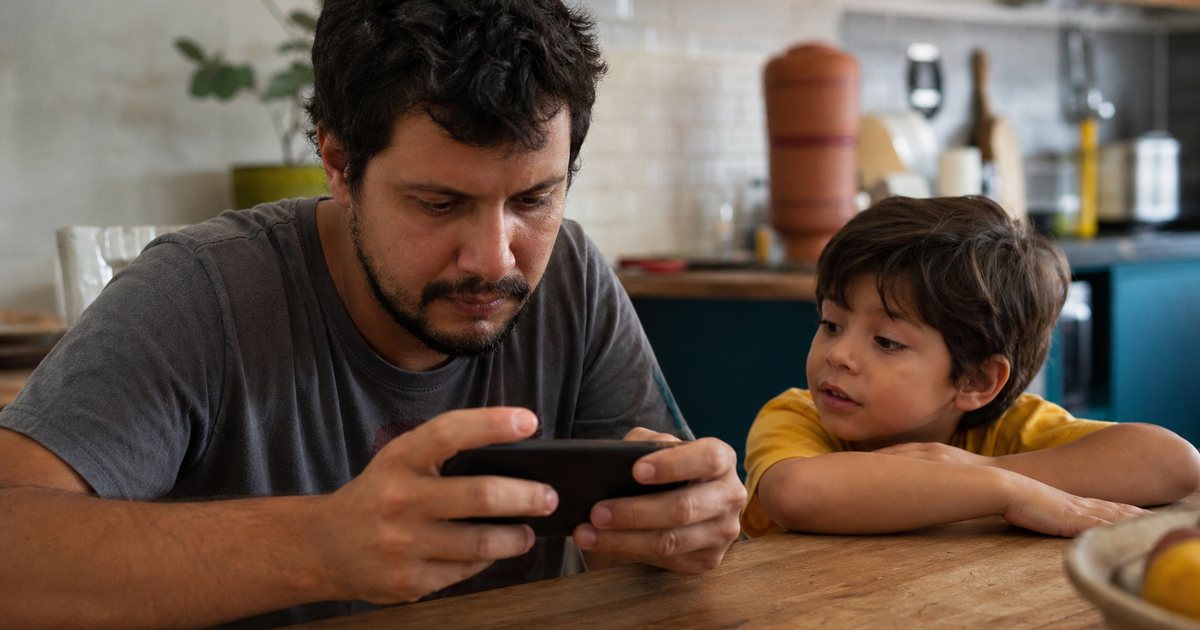
A game is safe for a young child when it has an age rating for everyone, shows no ads, sells nothing, has no chat with strangers and lets parents control the time. The fastest way to know is to play it yourself for 5 minutes before you hand over the phone.
Here is the checklist I use at home with my son Junior, who is 4.
1. Check the age rating
In the US, look for ESRB E (Everyone). In the UK and Europe, look for PEGI 3. The rating appears in the app store and on the box.
2. Play 5 minutes and answer
| Question | If the answer is yes |
|---|---|
| Did an ad show up, even for another game? | Your child will see ads in the middle of play. |
| Is there currency, a chest, a mystery pack or a store? | Expect requests to buy. Paid loot boxes get PEGI 16 in Europe from June 2026. |
| Can your child talk to other players? | Risk of contact with strangers. |
| Does any button lead out of the game? | One wrong tap opens the store or a website. |
| Does it ask for location, camera or microphone for no reason? | Data the game doesn't need. |
If any answer is yes, look for another game. For young kids, less is more.
3. See if parents control the time
A good kids' game has an end: either the level finishes or parents can set daily time. The American Academy of Pediatrics recommends up to 1 hour a day of high-quality content for kids ages 2 to 5. See the guide to screen time by age.
4. Set up the device
- Android: Google Family Link to approve installs and limit time.
- iPhone and iPad: Screen Time, with in-app purchases blocked.
- App store: a password for every purchase.
- Airplane mode: for games that work offline, it cuts ads and links.
5. Stay close
For kids ages 3 to 8, playing together in the first days makes a difference. You see how they react and when it is time to stop. New laws push platforms to do more, but they don't replace you. Read what the Online Safety Act means for kids' games.
A game that passes the checklist
The MJ Kids game was made for my own son and passes every item above. And the hero is your child.
- No ads, no purchases and no chat
- Daily time limit in a password-protected parents' area
- Works in airplane mode after the first time
- A character that looks like your child and says their name
Frequently asked questions
What age rating is right for a 4-year-old?
ESRB E or PEGI 3. Still check for ads, purchases and chat.
Are paid games always ad-free?
No. The University of Michigan study found ads in 88% of paid apps for young kids.
How do I block purchases on my child's phone?
On Android, use Google Family Link and require a password in the Play Store. On iPhone, use Screen Time and block in-app purchases.
Does airplane mode help?
Yes, for games that work offline: it cuts ads, links and chat.
Sources
Junior's dad and creator of MJ Kids. He has worked in technology for over 30 years and makes games and stories where the child is the hero, with no ads.
Meet MarcosRead next
Online Safety Act and kids' games: what parents should know
Since July 2025, UK platforms must keep harmful content away from children. In the US, the updated COPPA rule applies from April 2026. Here is what it means for games, and what it doesn't fix.
Ad-free games for kids: why I built MJ Kids
My 4-year-old spent more time waiting for ads to end than actually playing. Here is what I learned about ads in kids' games and why I built a game just for him.

Screen time by age: how much is healthy from 2 to 8
Up to 1 hour a day of high-quality content for ages 2 to 5, says the AAP. Here is the table by age and a way to make limits stick without tears.